How To Upload Instagram Stories With Picture Longer Than 5 Seconds

Instagram Stories, one of the platform’s most well-liked features, lets you share fleeting content that disappears after 24 hours. Instagram Stories typically allows photos to last five seconds, but wouldn’t it be nice to showcase your ephemeral content for a little longer? In this guide, we’ll look at a quick but efficient way to post Instagram Stories with photos that last longer than five seconds.
How To Upload Instagram Stories With Pictures Longer Than 5 Seconds
Instagram Stories has transformed how we share events, experiences, and stories with friends, family, and followers. There is one restriction that many users frequently run into: you are limited to viewing an Instagram Story with a photo for no longer than five seconds. After that, Instagram moves on to the next story.
To overcome this limitation, you can add music to Instagram Stories. With this, you can not only make longer Stories with pictures, but you can also keep your followers more engaged. Here’s how you can do it.
- Launch the Instagram app on your device.
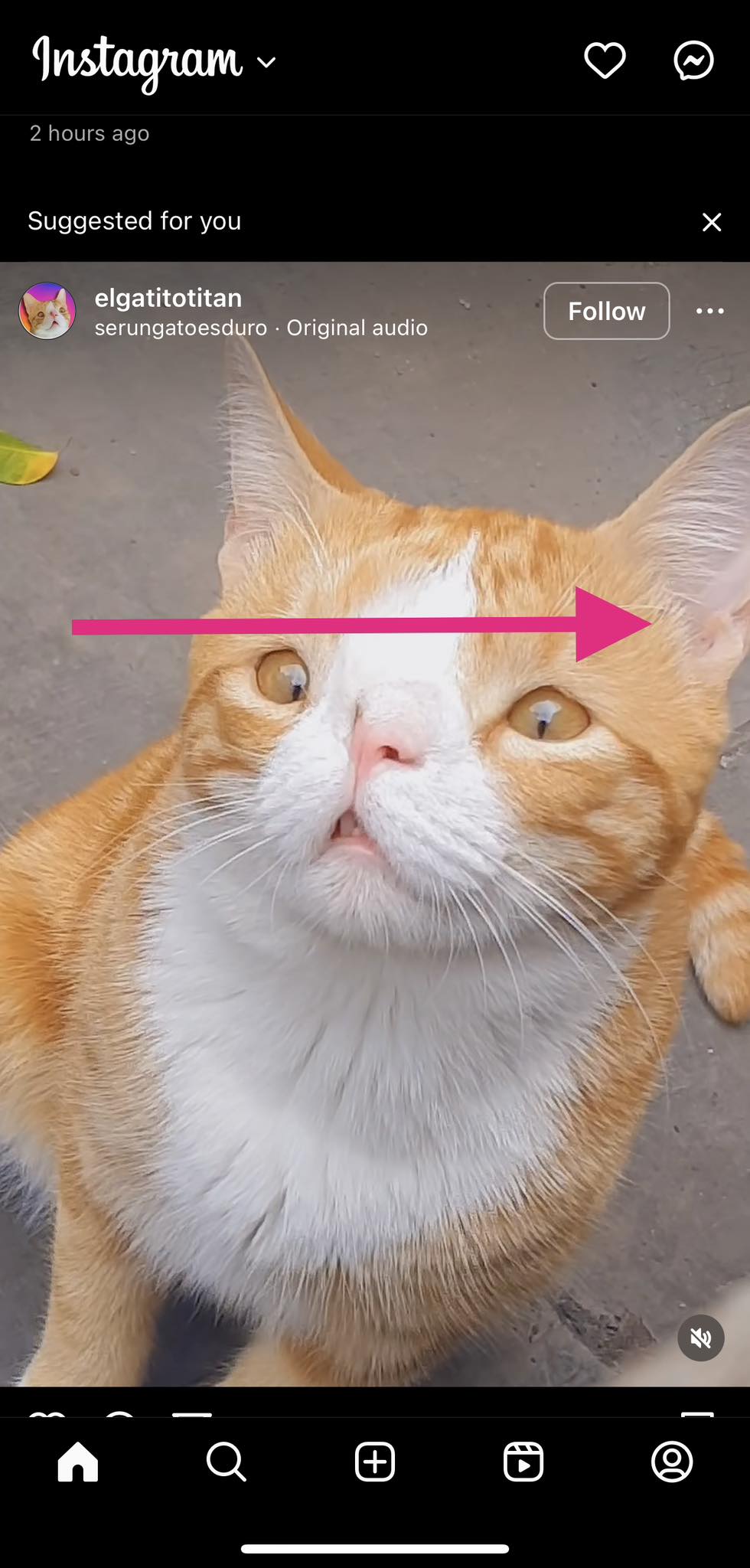
- Swipe right to add a new Story.

- Swipe up to select a photo from your gallery.
- Tap the photo you want to post.
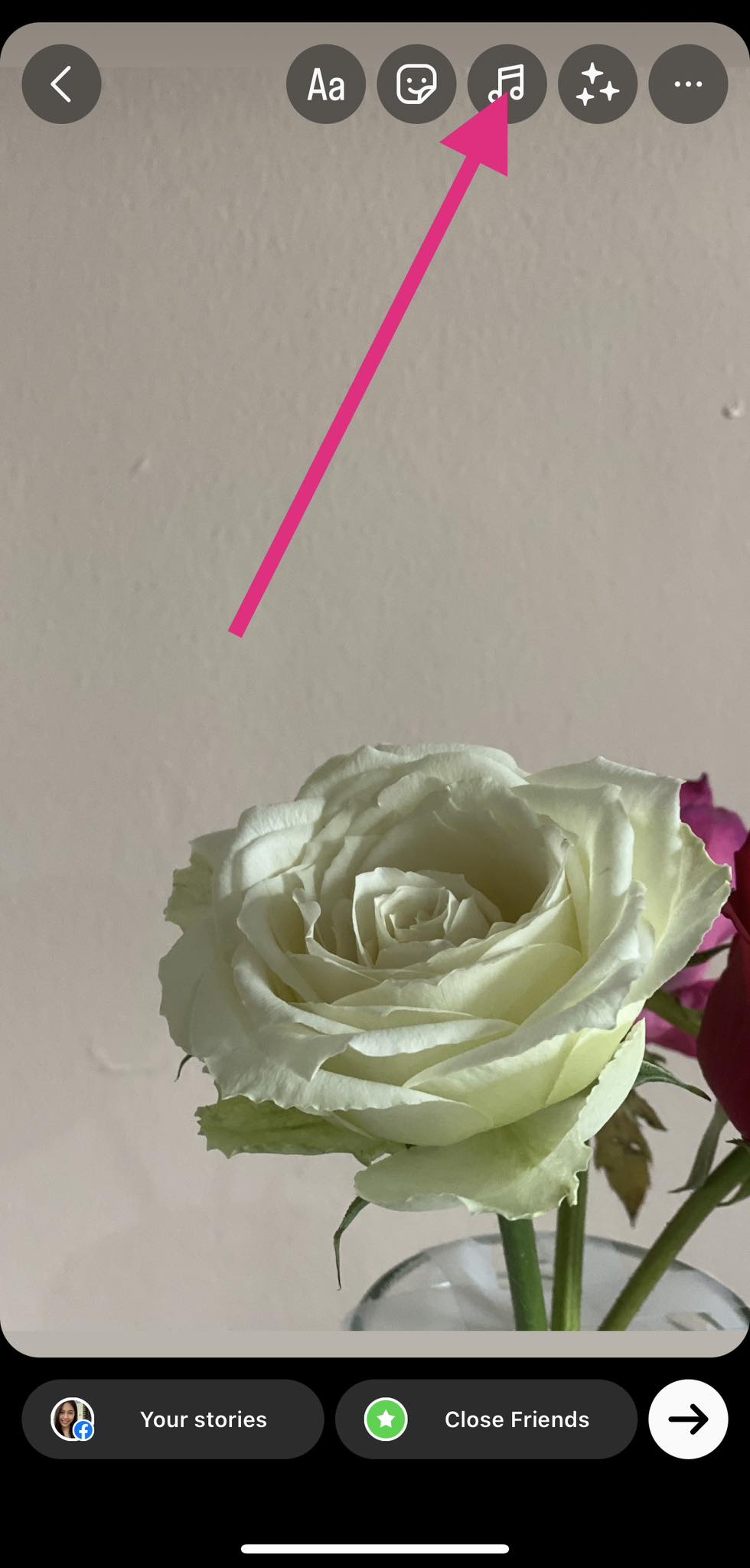
- Select the musical note icon on the top of your screen.
- Pick music to add.
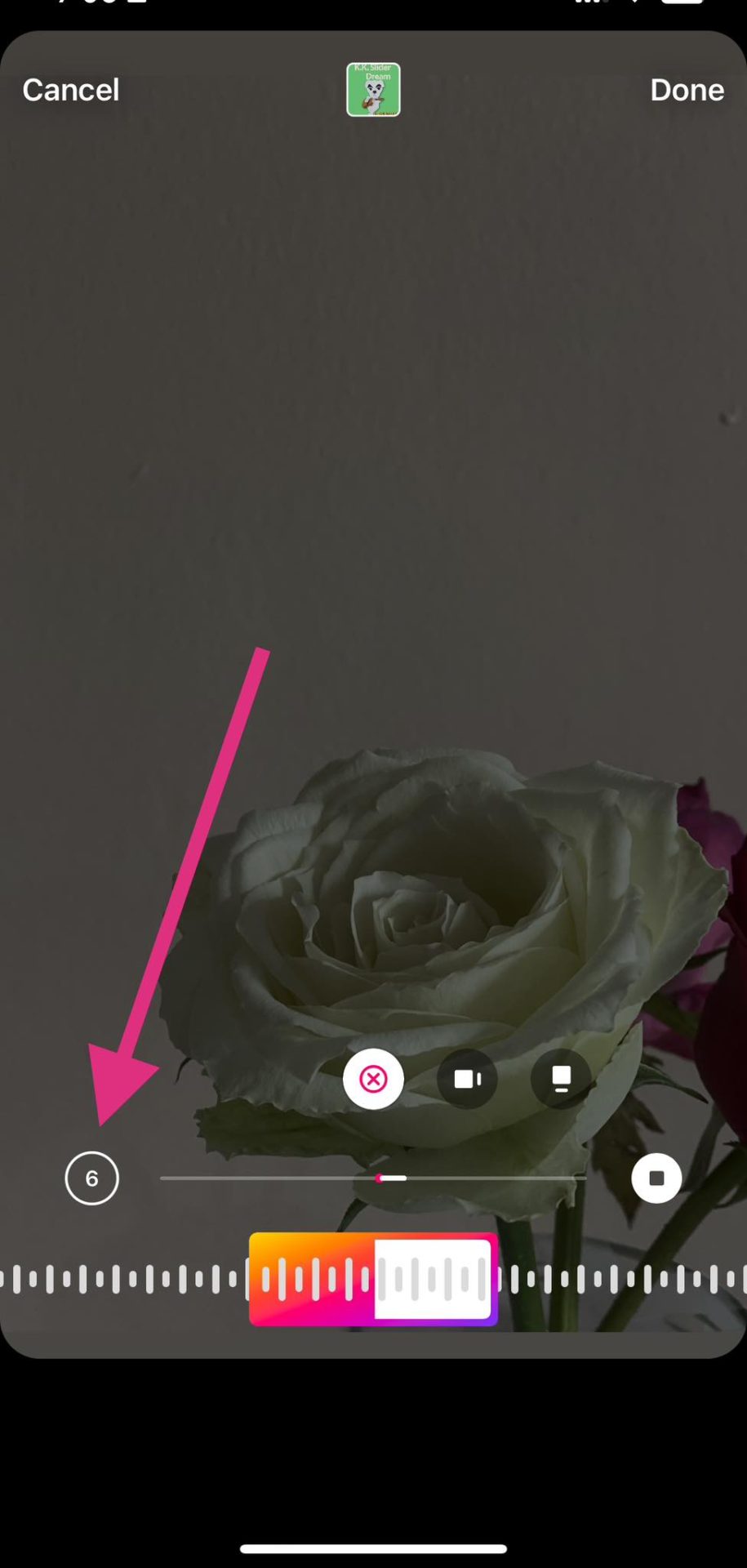
- Use the sliding bar at the bottom to select a part of the song you want to include.
- Click on the number icon to select the length (you can choose from 5-15 seconds).

- Tap done.
Can You Edit Uploaded Instagram Stories After Posting?
Unfortunately, there is no way you can edit an Instagram Story after posting. But you can save or delete each story after posting. This way, you can modify the original Story and then re-upload the edited version.
- Tap the ellipsis button on the lower right corner of your screen.
- Tap the Save… button to save the photo or video in your gallery.

- Tap the ellipsis button again.
- Select Delete.
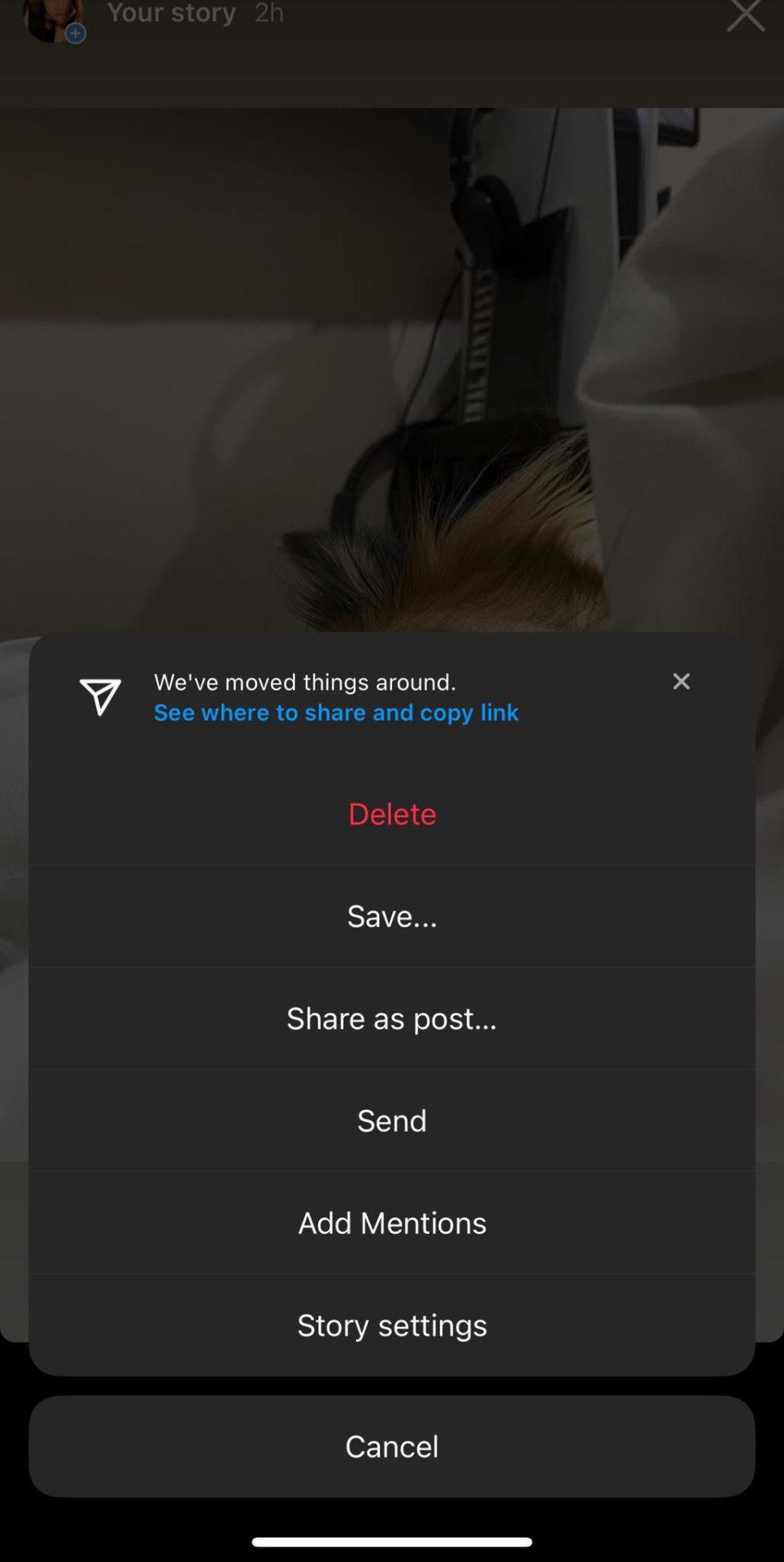
After that, you can repost or edit your photo or story on the Instagram app or use another software to edit it first.
Elevate Your Instagram Stories
Breaking free from the typical Instagram Stories’ 5-second time limit provides a world of opportunities for posting eye-catching graphics and compelling narratives. And with this guide, you can surely showcase your creativity more, make a lasting impact, and establish a closer connection with your audience. Now that you know how to upload Instagram Stories with a picture longer than five seconds, you might want to try uploading your Instagram Reels from your PC or laptop for more engagement.
Instagram Stories limit per story with a video to 15 seconds in length. However, you can upload one 60-second clip, and the app will automatically break it into four 15-second Stories.
An Instagram Story can have a maximum length of 15 seconds.
Adding music is the best way to extend the runtime of an Instagram Story with a picture to more than 5 seconds. There are no other alternatives to this.
How to Return Multiple Items to Amazon at Once
Read Next