How to See Who Unfollowed You on Instagram
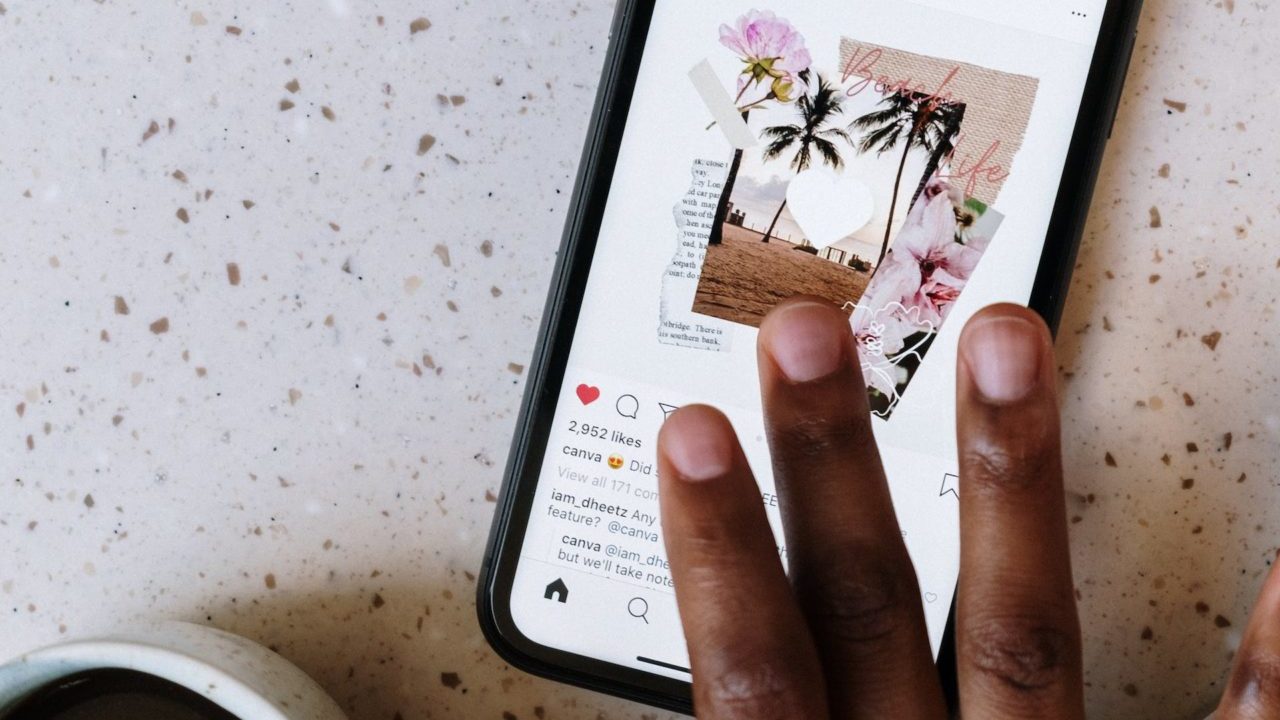
Checking who unfollowed you on Instagram can be a pain if you have a long list of followers. You are notified about new followers, but the platform doesn’t highlight unfollows to maintain user privacy. While there is a way to manually check for unfollows (more on that later), there is no quick Instagram trick to see who unfollowed you. However, certain third-party apps allow you to see who unfollowed you on Instagram and even notify you about new unfollows. But is it safe to use such third-party apps? Also, which one is the most suitable for the task? Let’s find out!
How to Check Who Unfollowed You on Instagram
1. Manually
The easiest and safest way to know about Instagram unfollows is to track your follower count. Go to your Instagram profile and check the number of followers you have. If you see a drop in number, someone has unfollowed you. Now, if an account has a handful of followers, one can tap Followers at the top of their profile and scroll through the list of followers to check who has recently unfollowed.
However, this method won’t work if you have hundreds or thousands of followers. But you can still check whether a particular user has unfollowed you.
- Navigate to your Instagram profile.
- Tap Followers at the top.
- Type a user’s name or Instagram username to check whether they are still on your followers list.
If you don’t find that user in your follower list, they have unfollowed you. Alternatively, you can go to that person’s Instagram profile and tap Following at the top to check whether they are following you. However, if someone has hidden their followers and following list on Instagram, you cannot view who they are following.
2. Using a Third-Party App
While many third-party apps notify you about who unfollowed you, none are authorized by Instagram. Using an unauthorized app also exposes you to the risk of hacking, someone else using your Instagram account, and other security breaches. Also, any third-party app you use will monitor and show unfollows after you download and set up the app, which means there is no way to find past unfollows.
With that in mind, if you still want to use a third-party app to track unfollows, FollowMeter for Instagram is the best choice for Android and iPhone. You can also go with Followers – Tracker Insight for Android or Followers Reports+ for iPhone.
For this guide, we used FollowMeter, which has a user-friendly interface to check unfollows, follower growth, and post-performance. You can also subscribe to its paid plan to know the accounts that blocked you, ghost followers, and secret admirers. You can download it for Android or iPhone and log in with your Instagram login credentials to get started.
- Launch FollowerMeter.
- Tap Unfollowers to find a complete list of accounts that unfollowed you.

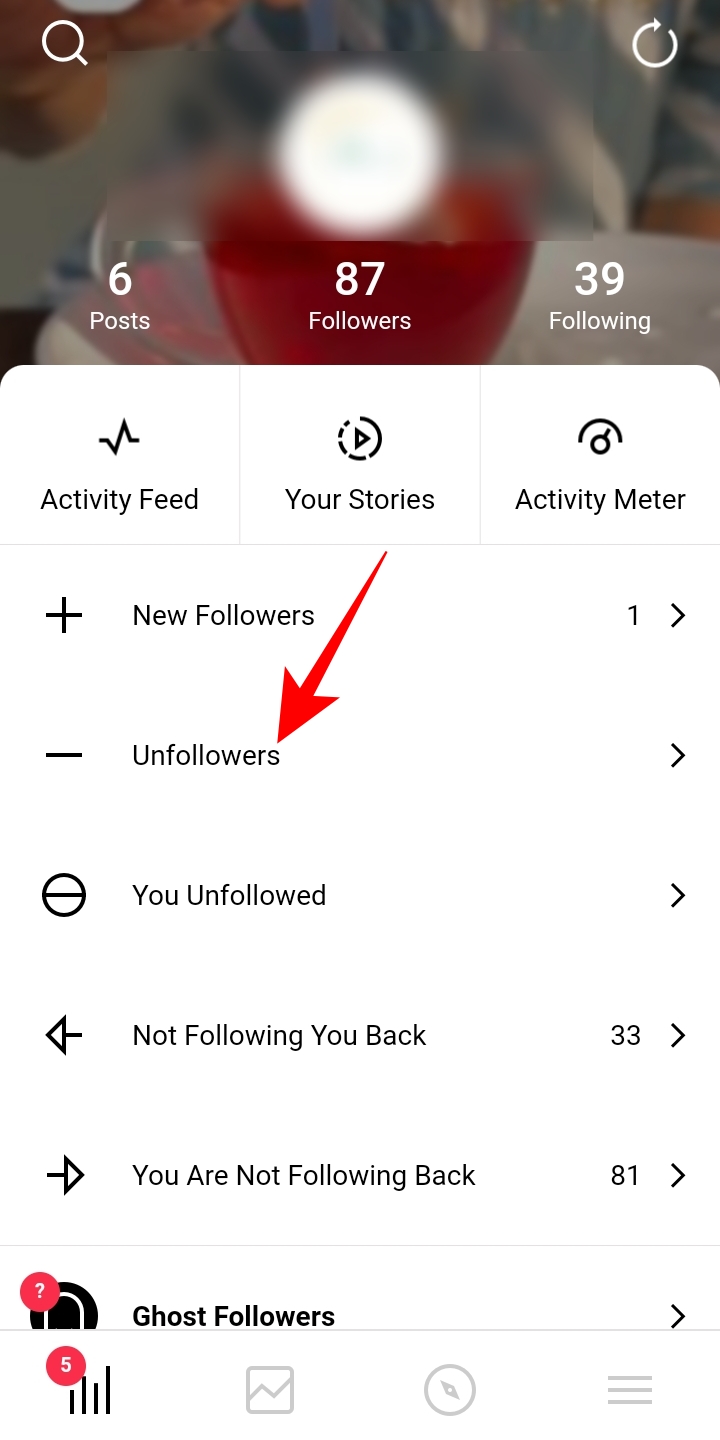
You can also tap on Not following you back to check out the accounts that are not following you back and filter out your following list accordingly.
Follower Count is Not Everything
Your Instagram follower count may seem like the first impression of success and popularity on the platform, but it is not everything. In reality, it doesn’t matter who has unfollowed or blocked you on Instagram. Even if you are a creator trying to build your audience, only creating quality content will help you in the long run. So, go with that to make a sound presence on the platform.
FAQs
A. There is no way to see which Instagram accounts have been unfollowed by you. However, to check whether you are following someone, you can go to your followers list and look for that person’s name.
A. To check whether someone has blocked you on Instagram. Tap the search bar at the bottom to go to the explore section and type the account username to navigate to that account. If the Instagram account you are looking for is private, you can find it if you are blocked. If the account is public, you can still navigate to its profile page but see no profile picture, follower, or following count. Also, you will see No Posts Yet written in the photo grid area.
How to Delete Birthdays in Google Calendar
Read Next