How To Find and Use Snapchat’s Anime AI Lens

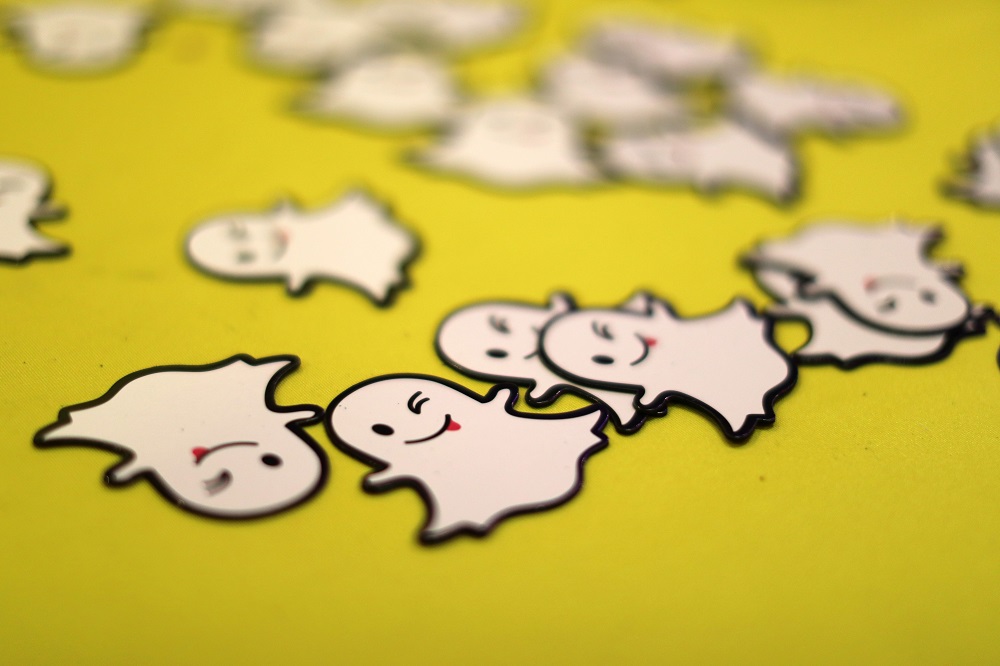
Snapchat jumped into the AI trend this year when it launched its own AI chatbot called My AI. They’re taking things up a notch by introducing generative AI lenses, with the latest addition being the Anime AI lens. It’s wowing anime and non-anime fans by creating their stylized images as anime characters. This lens is worth trying if you want to see just how far AI has come in recent times.
Read this guide to learn about the generative Snapchat Anime AI lens and how to use it.
What is Snapchat’s Anime AI Lens?
Snapchat’s new AI lens, called Anime AI, lets users take a selfie and then have AI automatically stylize themselves as anime characters. It’s a viral trend on TikTok to get more views, and Snapchat is jumping on the same bandwagon. You can use the AI lens as often as you want, and you’ll never get the same results twice because the elements are randomly generated.
If you deactivated or deleted your Snapchat account, the new Anime AI Lens might just make you return to the platform.
How to Use Snapchat Anime AI Lens
Snapchat’s Anime AI lens is available for both Android and iPhone.
- Open Snapchat.
- Tap the search button at the top of the screen.
- Type Anime AI.

- Tap on the Anime AI filter.
- Point the camera to your face and tap the screen.
- Please wait a few seconds for the AI magic to do its work, and voila! You have your AI-generated anime-stylized selfie.

- You can edit the generated Anime with text, doodles, stickers, and more. Every Anime generated is unique and takes your background and skin tone into account.
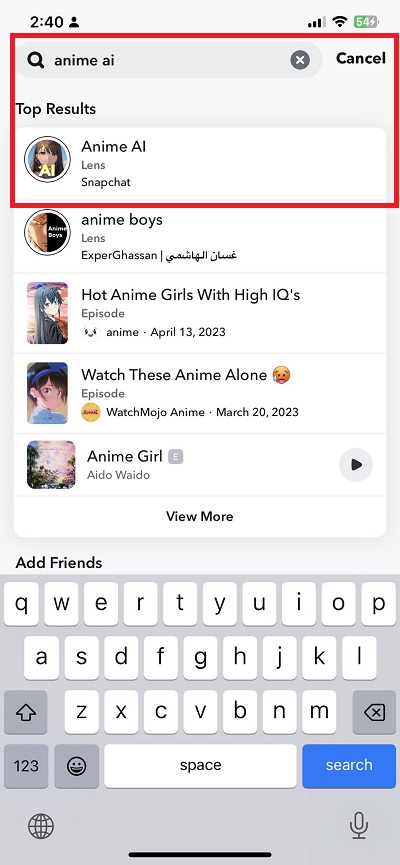

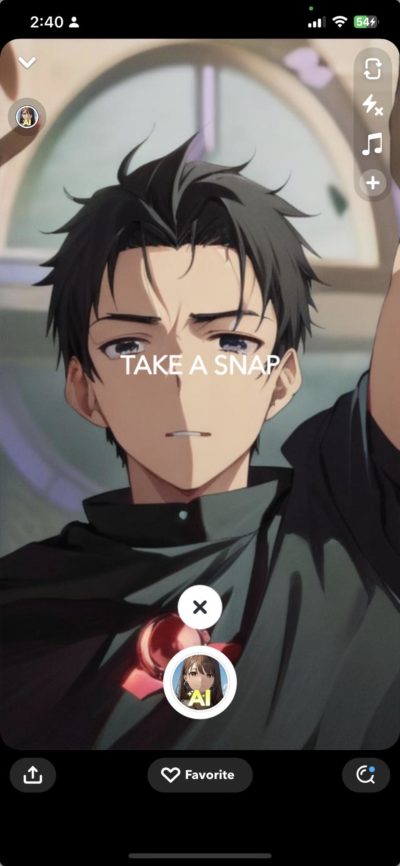
To ensure it’s the right lens, check if it’s made by Snapchat. You can also look for the lens using the carousel selection at the bottom of the main menu. However, it could be harder to find it there, considering many other filters on the selection. As such, we highly suggest using the search option instead.
More AI Lenses in the Future for Snapchat
When Snapchat launched AI-powered AR lenses earlier this year, one of the main highlights was a new lens called Cosmic Lens. This lens turns your snaps and videos into something magical by giving your surroundings a sci-fi filter to them. This filter is not similar to Anime AI as it doesn’t generate stylized images for you. Instead, it uses AI to turn your surroundings into something different.
Snapchat will roll out more AI-powered AR lenses in the future.
Snapchat Just Got More Exciting
It’s great to see Snapchat jumping into the AI trend more and more. We hope they release more generative AI lenses in the future, as they’re entertaining to use. As the technology grows more profound, we’re excited to see what other lenses Snapchat will come up with in the future. If you want more such useful Snapchat tips and tricks, here’s how to find deleted friends on Snapchat or delete all your saved Snapchat messages at once.
FAQs
A. Yes, the feature is available for everyone on all mobile platforms. However, ensure you pick the right lens, i.e., made by Snapchat, as similar lenses are available.
A. No, you cannot. Using the lens offline won’t generate any images as the processing is done online and not on the device.
A. Lenses only typically need your face when being used. As such, the Snapchat Anime AI lens doesn’t require you to share your data.
Instagram Reels: How to Change or Add a Cover Photo
Read Next